
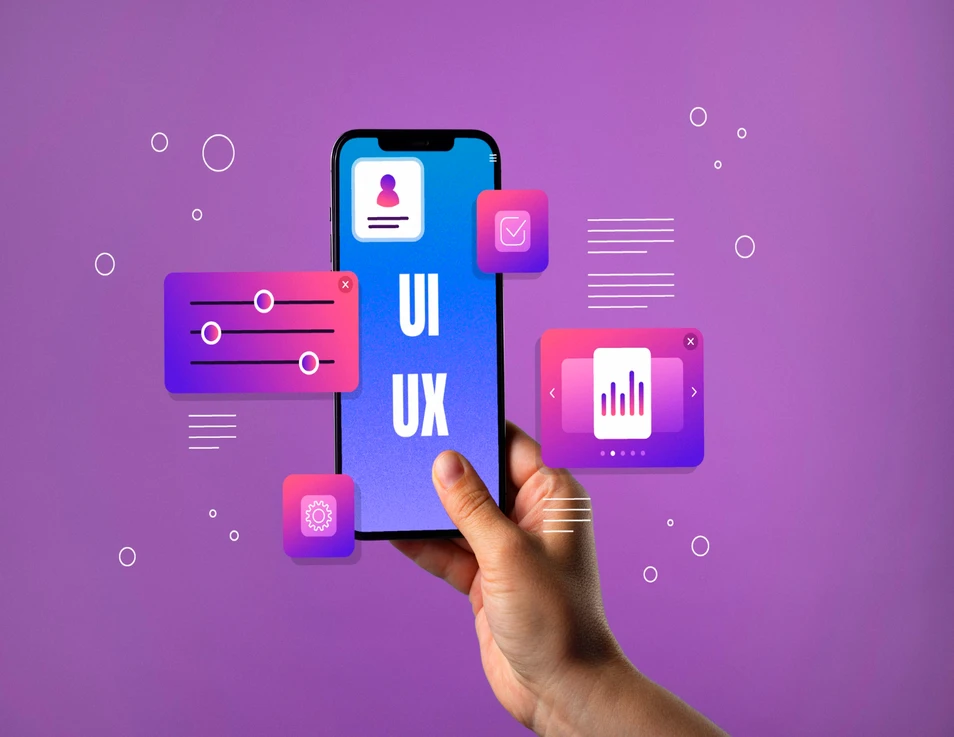
When people think about software design, they often imagine colorful apps made for everyday users, like social media or shopping platforms. These are B2C (Business-to-Consumer) products. But in the world of SaaS (Software as a Service), many tools are built for businesses instead of individuals. These are known as B2B (Business-to-Business) products.
While both types need to be user-friendly, they serve very different audiences. B2C apps focus on being simple, fun, and engaging. B2B tools, on the other hand, focus on helping professionals work faster, handle complex data, and make better decisions. Understanding these differences is key to designing great software that meets users’ real needs.
B2B vs. B2C Philosophy: Efficiency Over Entertainment
In B2C design, the main goal is to make the experience enjoyable and easy. Designers want users to stay longer, explore, and come back often. That’s why these apps focus on bright visuals, smooth animations, and emotional appeal.
In contrast, B2B design is about getting work done quickly and correctly. Users are professionals who use the software daily to complete tasks or manage operations. They care more about speed, reliability, and accuracy than flashy design.
For example, a B2C food delivery app might focus on eye-catching images and fun interactions, while a B2B supply chain dashboard focuses on showing clear numbers, fast search options, and easy data export. The main goal of B2B UX/UI is task efficiency and workflow optimization, making sure users can complete their work with fewer clicks and less confusion.
Designing for Complex Data and High Information Density
B2B software often deals with large amounts of information like sales figures, inventory levels, financial reports, or user data. Because of this, high information density is common. The challenge for designers is to display this data in a way that’s easy to read and understand.
This is where data visualization plays a big role. Using charts, graphs, and dashboards helps users spot trends or issues quickly. A well-designed visualization can turn complicated spreadsheets into clear insights that save time and reduce errors.
Unlike B2C apps that can be simple and minimal, B2B interfaces must fit a lot of data on screen without overwhelming the user. Balancing clarity and complexity is the secret to good B2B design.
AI-Powered Analytics: Helping Businesses Make Smart Decisions
In modern SaaS products, AI is becoming a powerful design partner. For B2B applications, AI can analyze large amounts of data and automatically create short summaries or insights for users.
For example, instead of a manager spending hours reading through reports, the software could use AI to highlight the most important trends like “sales increased 10% this month” or “customer satisfaction dropped slightly in one region.”
This kind of AI-powered analytics helps busy professionals make faster, smarter decisions. It also improves the user experience by removing the need for manual analysis.
Handling Enterprise Complexity: Roles, Security, and Integrations
B2B SaaS tools are often used by large organizations with many departments and users. Each user might have a different role such as admin, manager, or analyst and need different permissions. This makes role-based access control very important.
For example, an HR manager might be allowed to see employee records, but not company financials. Designing for this kind of structure means the interface must adjust based on the user’s role.
Security is another key concern. Since B2B products handle sensitive data, features like multi-factor authentication, audit logs, and data encryption must be built into the design. Additionally, B2B systems often connect with other tools, so the integration points need to be clear and easy to manage.
Good UX/UI design ensures these features are secure, functional, and easy to use without slowing down the workflow.
AI-Guided User Experiences and Real-Time Adaptation
B2B software can be complex to learn, especially for new users. This is where AI-driven guidance can help. The system can track what users are doing and offer real-time suggestions like showing a tooltip when someone gets stuck or highlighting the next step in a process.
Over time, the software can adapt to each user’s behavior, offering shortcuts or recommendations based on their habits. This makes onboarding smoother and keeps users productive, even in complex environments.
Such real-time adaptation not only improves usability but also encourages long-term adoption by reducing frustration and support requests.
Conclusion
B2B and B2C UX/UI design may share some principles, but their goals are very different. While B2C products aim to entertain and engage, B2B tools focus on helping professionals work efficiently with complex information.
By combining strong data visualization, AI-powered insights, secure role-based access, and adaptive interfaces, designers can create SaaS products that truly support business success. In the end, the best B2B designs don’t just look good, they make work easier, smarter, and faster for every user.
Share
Ready to bring AI into your business
We’d love to hear from you — let’s start the conversation today.
Let’s Talk